Getting started
Accessing your product
You can download your new child theme from the link included in your order confirmation email, from your Brand & Build account.
You will have two files: themename-for-kadence.zip and themename-supplementary-files.zip.
themename-for-kadence.zip is your actual child theme. Do NOT extract this zip file, but DO extract themename-supplementary-files.zip as it contains a changelog, and any additional assets or information required for the child theme.
Before you begin
You must have the free Kadence Theme by KadenceWP and the free Gutenberg Blocks by Kadence Blocks plugin installed to use this Child Theme. Both are available from the WordPress.org repository.
To avoid any issues during installation it is highly recommended that you use this child theme on a fresh WordPress installation.
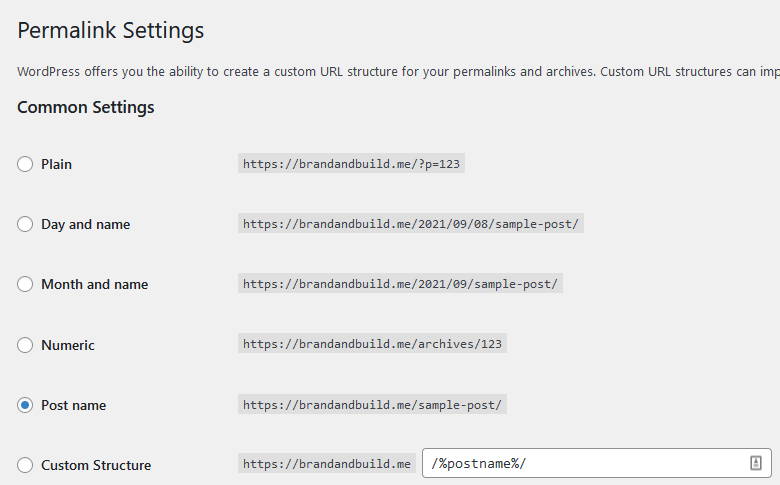
It is also a good idea for SEO purposes to navigate to Settings > Permalinks and set the Common Settings to Post name.
Theme installation
General customisation
Replacing images
This theme will install with the stock images you see in the demo but we do not provide a license for use and they remain the property of their respective owners. For ease, you can assume that any images of an actual person who is the subject of the theme (Raven for instance) are premium stock images and may not be used by you without purchasing your own license. Images used for content and blog posts are sourced from sites like Unsplash and Kaboom Pics, which you can use for free without attribution.
Using the Kadence Theme
Extensive documentation on using the Kadence theme can be found here.
Using Kadence Blocks
Extensive documentation on using Kadence blocks can be found here.
Customising this theme
Custom font
The custom font used in Karla is called Quentin, and is free for both personal and commercial use. Where you see Quentin use in the theme, the font properties are defined in the advanced highlight settings of the text block.

Using dropcaps in single posts
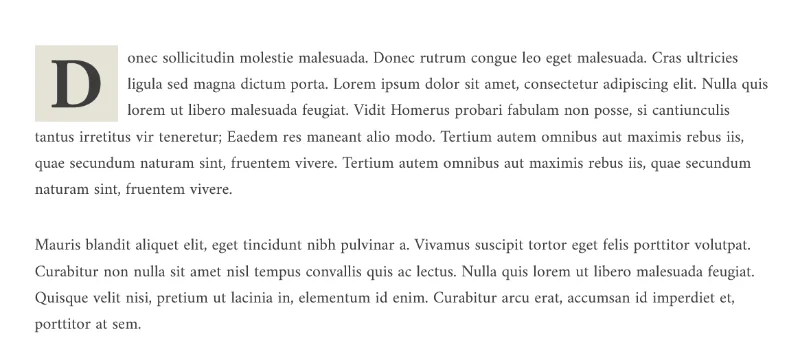
Karla comes with styled dropcaps in single posts. To use a dropcap in your single post, add a Gutenberg paragraph block, and in the typography settings, activate drop caps.
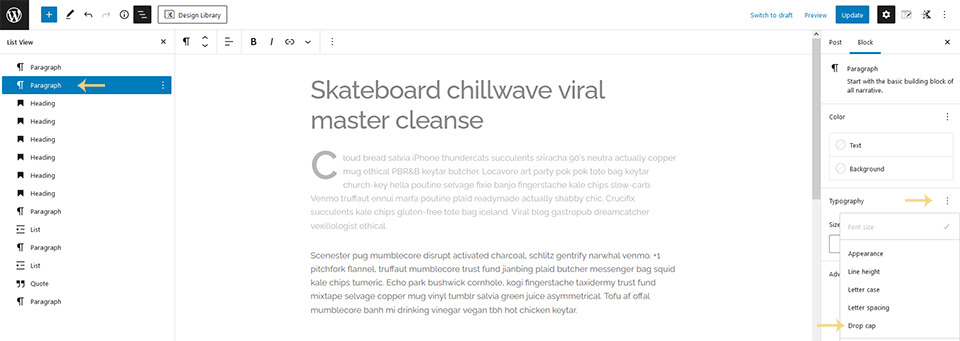
Once activated, switch on the toggle for the paragraph.
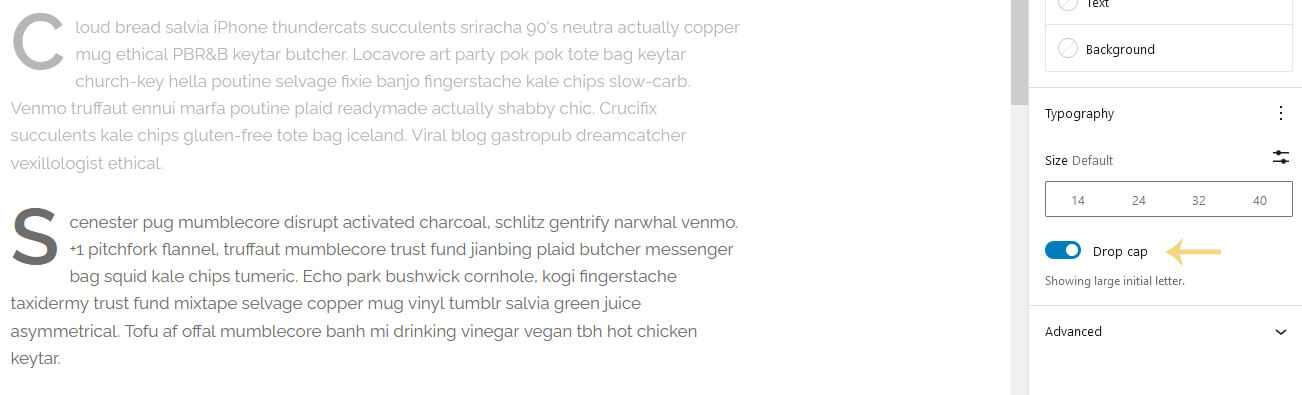
Once activated, switch on the toggle for the paragraph.
Changelog
Version 1.0 (Created)