Sometimes you want to vertically center Divi content within multi-column rows. All you need to achieve this is to click one toggle, and add a single CSS property.
In this tutorial I’m going to show you how.
Let’s get started.
Equalise the column heights.
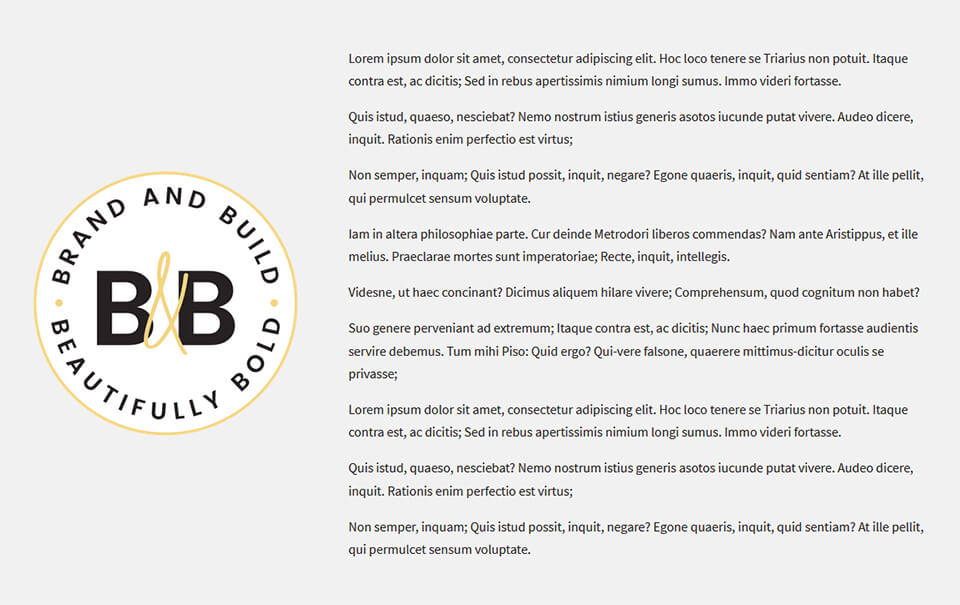
By default, if you have a multi-column row, all your column content will be aligned to the top. In the screenshot below, I have an image module in the left column, and a text module in the right. As you can see, the content in the text module is taller than the content in the image module.

To align the content centrally, and so that it adjusts position based on the device height, open the settings for the row you want to modify, and in the Design tab, turn on the Equalise Column Heights toggle.

Center the columns.
In the Custom CSS section in the Advanced tab, add the following CSS to the Main Element field, then save:
align-items: center;

Now your content should be nicely centered like this…
That’s it, all done!
Michelle x
Pro Pass Membership
Want access to all current and future child themes, kits, and our B&B Blocks library for Kadence for one low annual price?